For online shops that sell in person too
Sell on your website and at a counter, a market stall or a pop-up from one stock count, without a second system to keep in step.
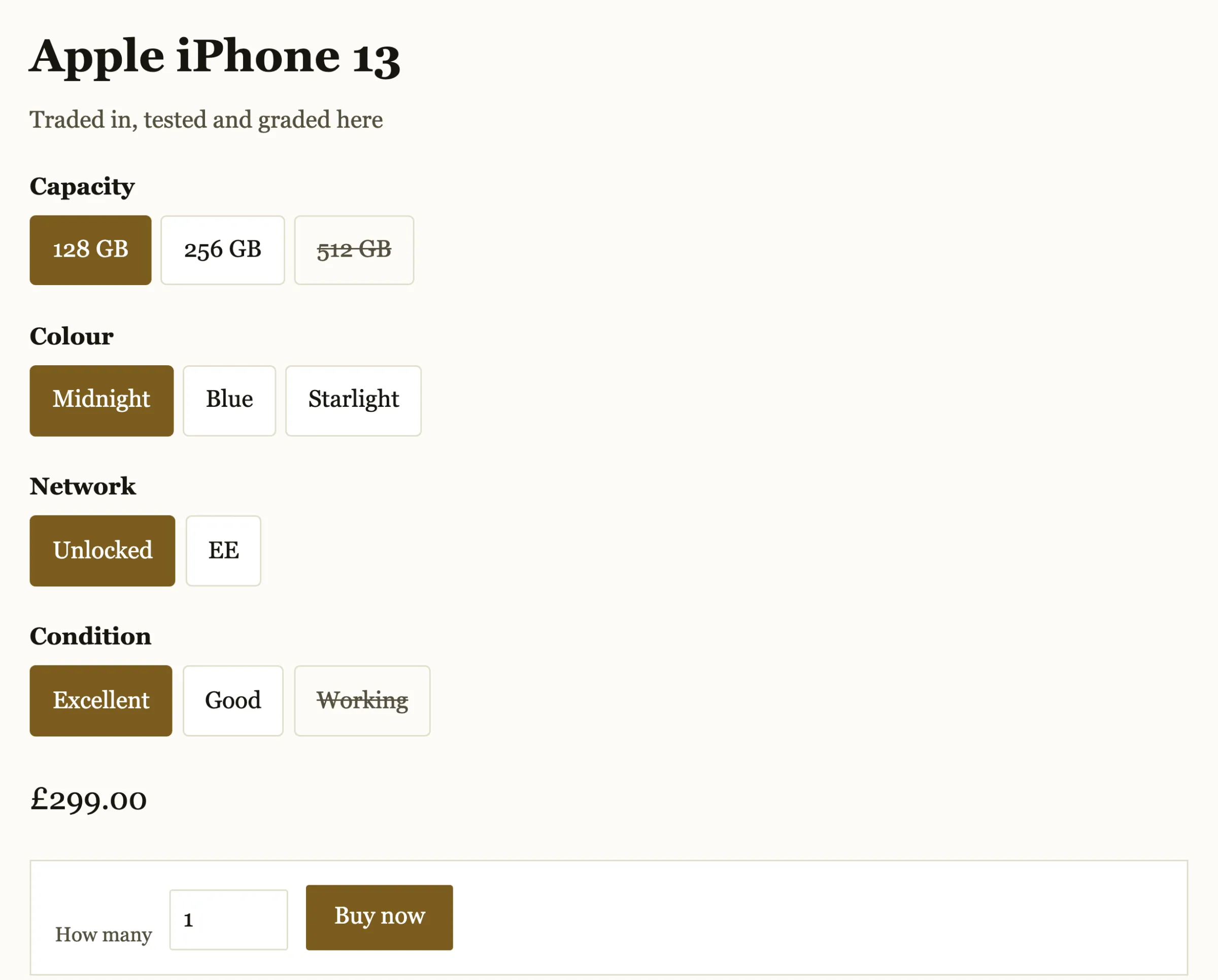
What an online shop switches on
The website and the till, then the delivery and dispatch work in between.
Your online shop
Collections, search, a basket and Stripe Checkout on your own domain, with the sitemap and structured data written for you.
Or the website you have
Your own site can read products, prices, stock and collections from the public catalogue, with no key needed.
The till
The same products and the same count at a counter, a stall or a pop-up, in a web browser on a laptop or tablet.
Delivery and collection
Rates by order value or by parcel weight, free delivery over an amount you set, and click and collect.
Dispatch
Packing slips, tracking numbers, and label files for Royal Mail Click & Drop and Evri.
Discounts and emails
Percentage, amount or free delivery, by code or automatic. Customers get order, dispatch and refund emails.
A sale at the stall, seen online
Sell at the stall
Open the till in a web browser, scan or type the item, and take cash or a card-machine payment.
The count comes down
The sale comes off the same stock count your website sells from.
Your website follows
The website sells from the new count, so it cannot sell the one you have just sold at the stall.
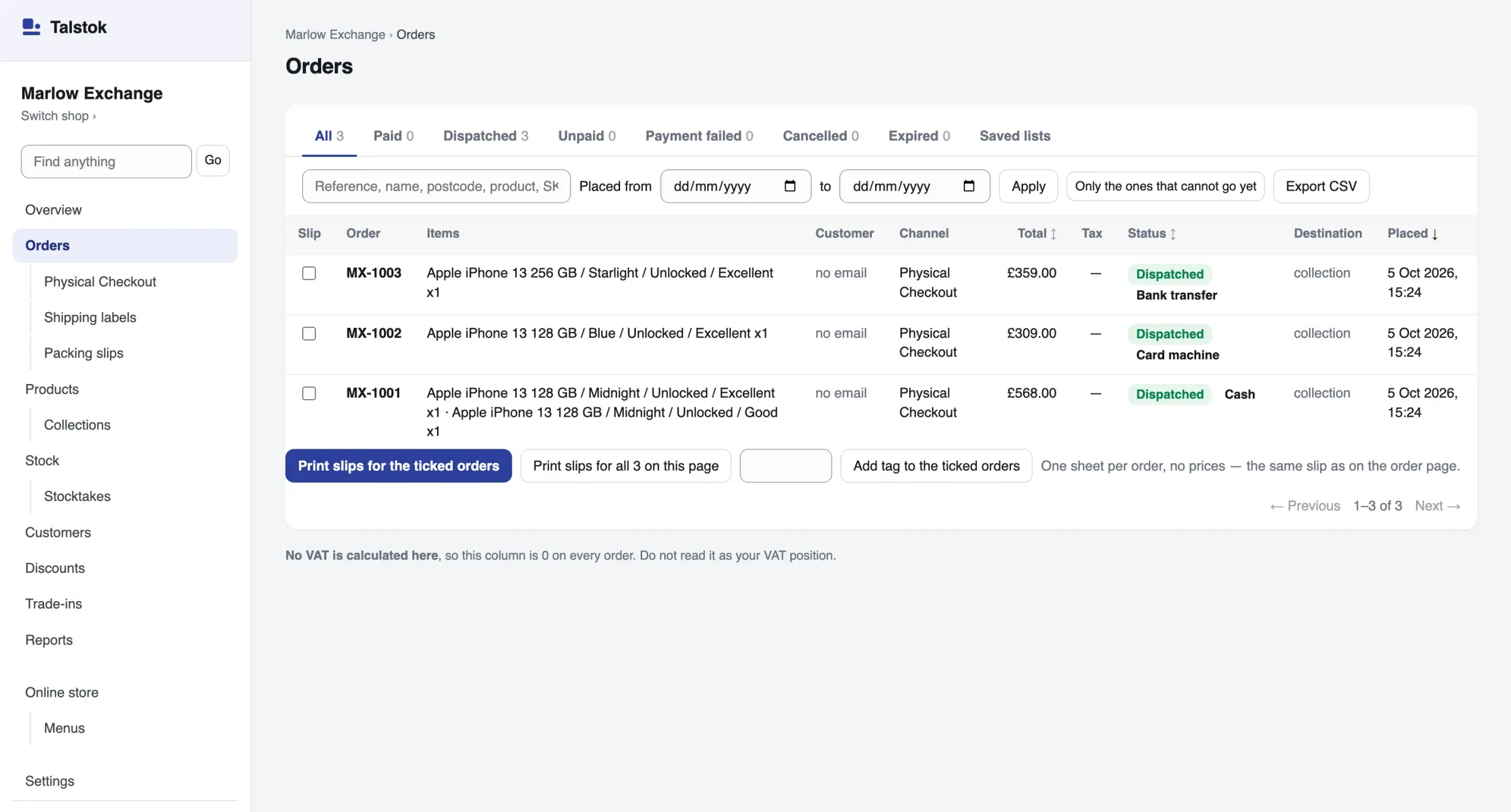
Every order in one list
Website orders and counter sales sit together, each with how it was paid, where it is going and whether it has gone.
- Print packing slips for the orders you tick, one sheet per order.
- Export labels for Royal Mail Click & Drop or Evri.
- Online card payments go straight into your own Stripe account, at Stripe’s own rates.
Not built yet
- Selling on marketplaces such as Amazon or eBay.
- Gift cards.
- Working offline at a stall or a pop-up. The till needs the internet.
- Connecting to a card reader. Payments at the stall are taken on your own machine.
- Importing directly from Shopify. A CSV import of products is built.
Questions
What is omnichannel POS?
A till and an online shop that share one set of products, stock and orders, so a sale in one place is counted everywhere.
Talstok’s till and online shop work from the same stock count. Keeping stock in step with the other places you sell is coming.
Can I keep my current website?
Yes. Your website can read products, prices, stock and collections from Talstok’s public catalogue, with no key needed, while the till sells from the same stock.
Does the stock stay in step?
Yes. The till and the website sell from the same count, so a sale in one is gone from the other.
Can customers collect from the shop?
Yes. Click and collect is one of the delivery choices, beside rates by order value or by parcel weight.
Can I move from Shopify?
Products can be imported by pasting the text of a CSV file into the import screen, in Talstok’s own columns: handle, title, variant, stock code, price, stock, description, category and barcode. There is no direct Shopify import.
Read next
See it with your own products
A test shop is free. Nothing in it is real: no money moves, and it never emails a customer. You pay only once a shop takes real money.